Passkeys in 2026: should your app stop asking for passwords?
Passkeys have gone mainstream. What they are, why sign-in success goes up, and how to add them to an existing app without locking anyone out.
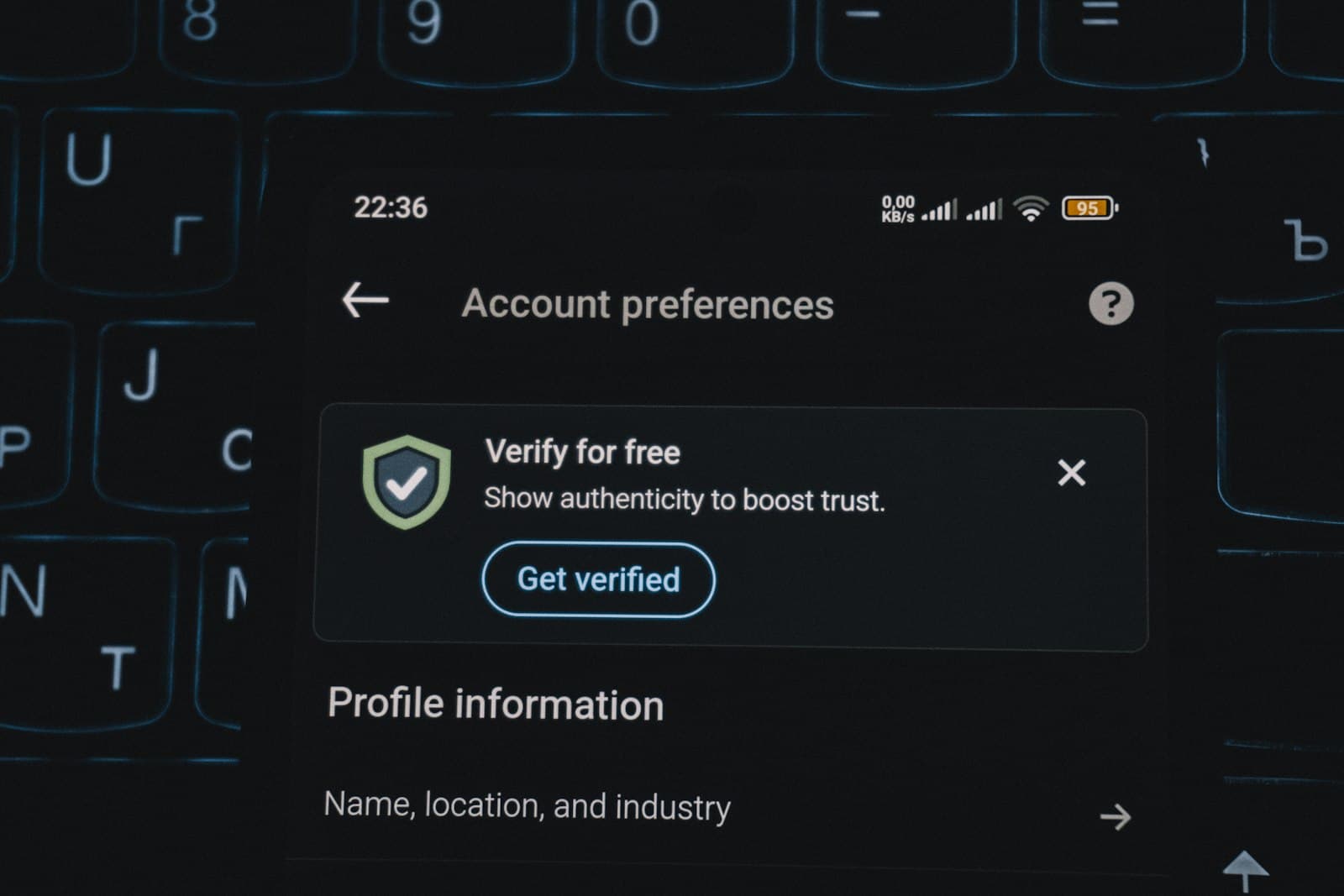
A passkey replaces the password with a key pair: the private key stays on the user's device (or their phone's password manager), and your server only ever stores the public half. Signing in is a fingerprint, face or device PIN. There is nothing to phish, nothing to reuse and nothing useful to steal from your database.
They are no longer an experiment. The FIDO Alliance's October 2026 Passkey Index reports that more than one in three successful sign-ins now use a passkey, and that passkey sign-ins succeed more often than other multi-factor methods. For a product team, that second number matters most: fewer failed logins means fewer support tickets and fewer people who give up at the door.
What changes for your users
- Sign-in becomes one tap and a fingerprint — no code from SMS, no "forgot password" loop.
- Passkeys sync through Apple, Google and password managers, so a new phone doesn't mean a new account.
- Phishing pages simply don't work: the passkey is bound to your real domain.
How to add passkeys without breaking anything
- Add, don't replace. Offer "Create a passkey" after a normal sign-in. Keep passwords or email links as a fallback for the first months.
- Use a proven library or provider. WebAuthn has sharp edges; Auth0, Clerk, Firebase, Supabase and others support passkeys, or use a well-maintained server library.
- Design recovery first. Decide what happens when someone loses every device — verified email, a support flow, or a second passkey.
- Measure. Track passkey adoption, sign-in success and support tickets about logins before and after.
When to wait
If most of your users share devices (family tablets, shop-floor terminals), plan the shared-device experience first. For almost every consumer app and SaaS product, though, passkeys are now the better default.
Sources
Planning something like this?
Tell us what you're building. A product lead replies within one business day with questions and a first take.
Get a free consultationThe product planning checklist
42 questions to answer before you hire a team or write a line of code.
Get the checklistGet the next article by email
One practical email a month. No spam, unsubscribe any time.